Coding for Kids
From block coding to real programming, children build games, apps and projects while learning to think logically.
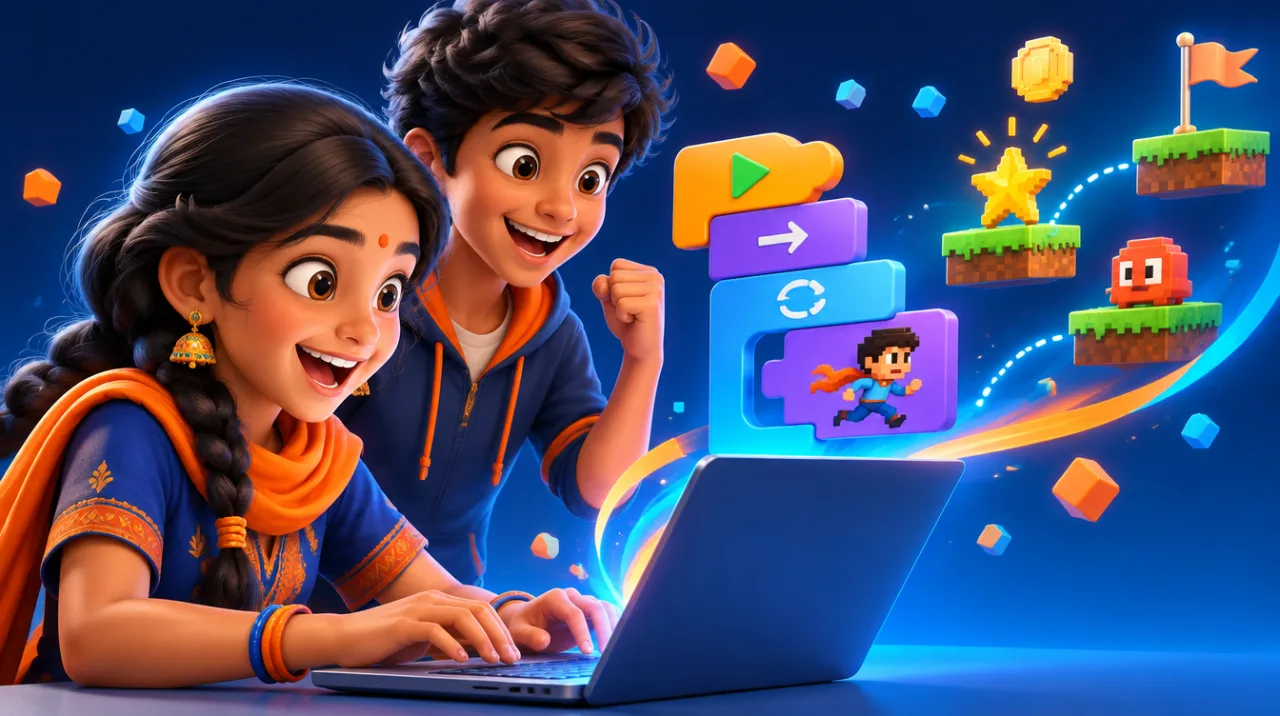 🎮
In today’s digital world, coding is a basic literacy skill just like reading and writing. Teaching children how to code not only makes them future-ready but also sharpens their logical thinking, creativity, and problem-solving skills.
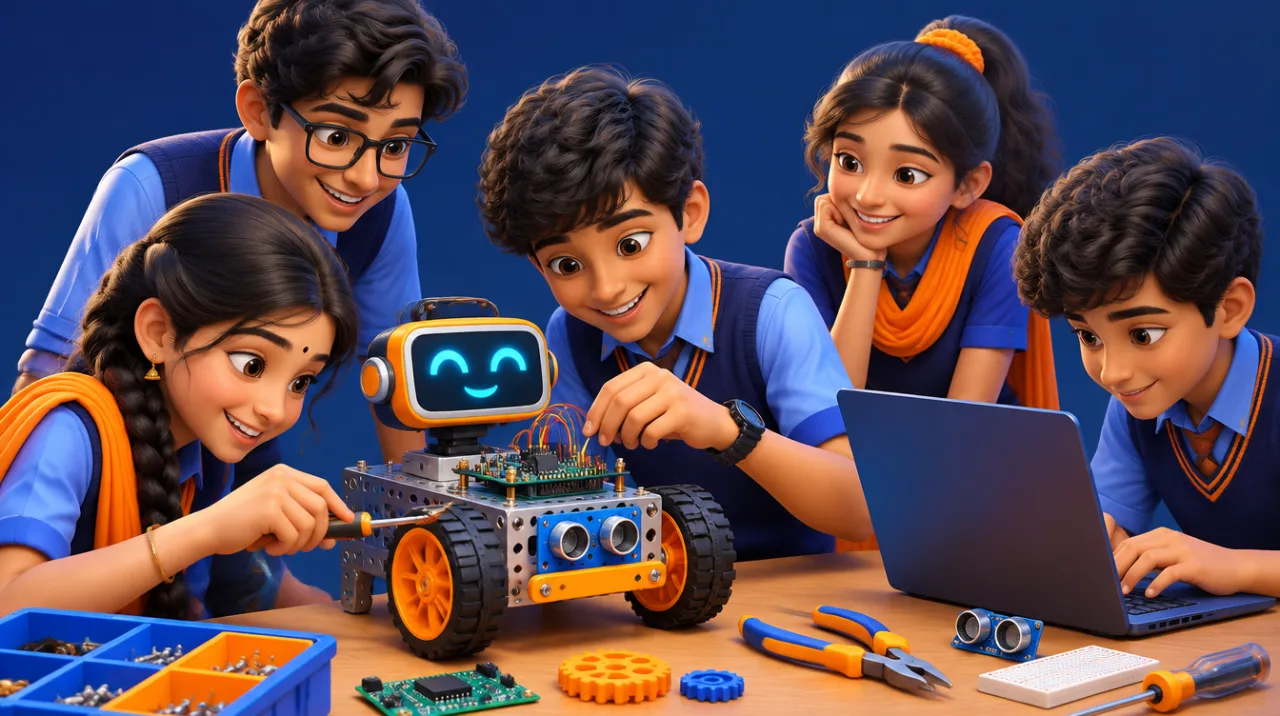
Whether your child wants to build games, apps, animations, or robots — coding opens up endless possibilities for innovation and learning.
🚀 Why Should Kids Learn Coding?
✅ Enhances logical and critical thinking
✅ Develops problem-solving ability
✅ Encourages creativity and innovation
✅ Builds confidence in using technology
✅ Lays the foundation for careers in AI, robotics, gaming, and software
📘 Coding for Kids – Grade-wise Pages (Click to View):
- 👶 Grade 1 – Coding Basics for Beginners
- 🧒 Grade 2 – Fun with Blocks and Patterns
- 🧒 Grade 3 – Introduction to Scratch & Algorithms
- 🧒 Grade 4 – Simple Game & Animation Logic
- 🧒 Grade 5 – Coding with Scratch & Events
- 🧒 Grade 6 – Logic Building with Flowcharts
- 🧒 Grade 7 – Introduction to Python Basics
- 🧒 Grade 8 – Projects with Python & HTML
- 🧒 Grade 9 – Web Designing & App Interfaces
- 🧒 Grade 10 – AI, Automation, and Advanced Projects
🏠 Try this at home: Unplugged coding: the Robot Chef
No computer needed! Your child writes step-by-step instructions to make a jam sandwich. A parent follows them exactly as written.
- Write each step on a separate line.
- The “robot” (parent) follows only what is written.
- Found a mistake? That’s a bug — fix it and run again!
This teaches sequencing, precision and debugging — the heart of programming.
💡 Did you know?
Ada Lovelace wrote what is considered the first computer program in the 1840s, for Charles Babbage’s Analytical Engine — a computer that was never fully built!
❓ Frequently asked questions
Which grades is this program for?
Grades 1 to 10, with activities and content matched to each grade level.
Are classes online or offline?
Both. Many programs run in partner schools, and practice material is available online.
Does my child need a computer to start?
No. Young learners begin with unplugged activities and block-based coding. A computer or tablet becomes useful as they progress.
How do I join or book a free demo?
Fill in our enquiry form and choose this program. Our team will get back to you.
Give your child a head start in Coding for Kids
Book a free demo class and see how AIMS makes learning fun and effective.